
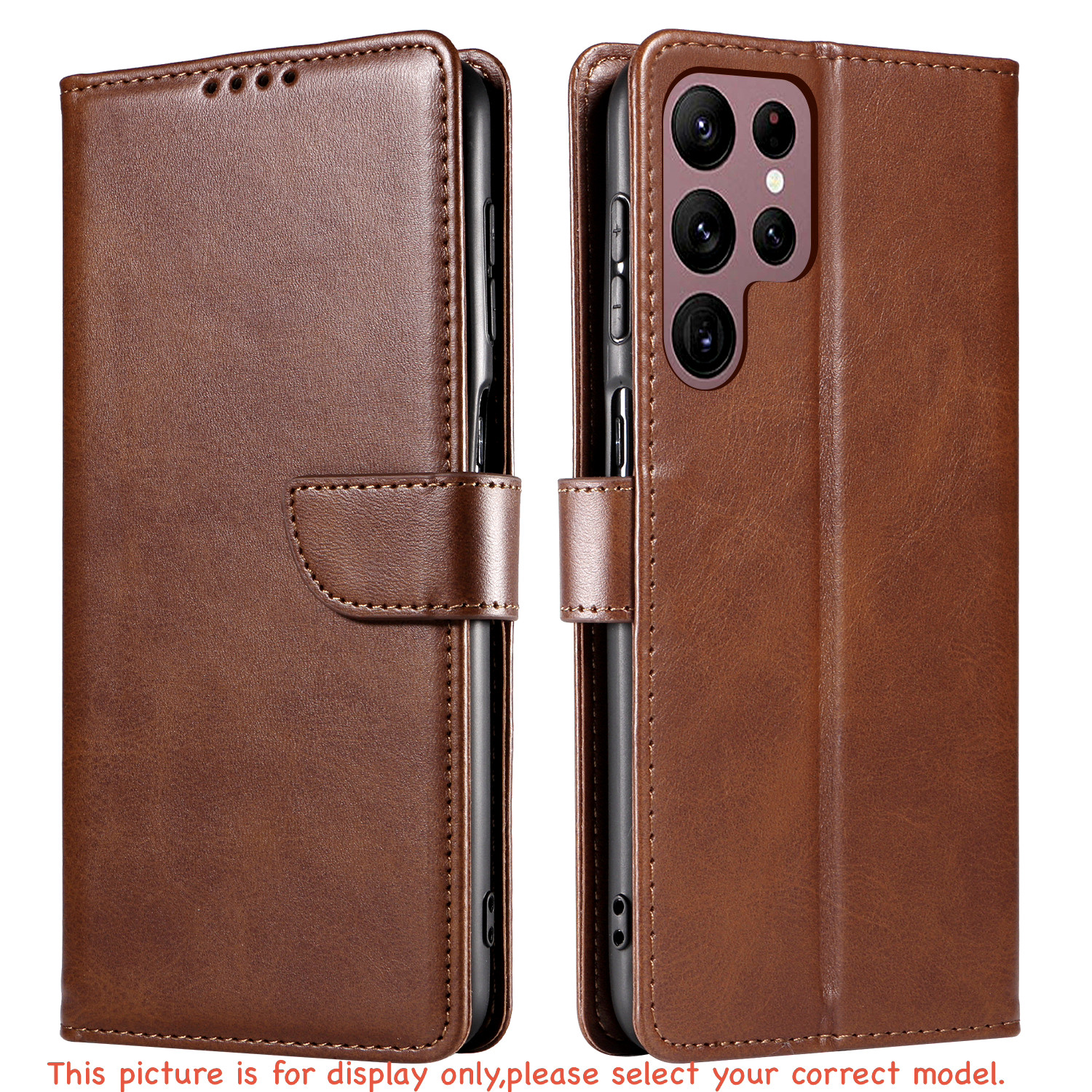

Oppo’s extensive line of smartphones—especially the high-volume A-series (A18, A38, A58, A78, A79 5G) and Reno series—often present almost indistinguishable aesthetics. Verifying your official model and CPH factory designation guarantees that cases, buttons, and camera openings line up accurately.
1. Why Oppo Model Verification Matters
Oppo frequently releases 4G and 5G variants of the same device family with slight structural differences:
Dimension Differences: An Oppo A78 4G differs physically in height, width, and camera layout from an Oppo A78 5G.
Button Alignments: Fingerprint sensors integrated into power keys require millimetre-accurate case cutouts for smooth unlocking.
2. Key Oppo Identifiers
Look for these primary metrics when matching your phone:
Consumer name, such as OPPO A79 5G or OPPO Reno 10.
The definitive factory hardware number, always formatted as CPH-xxxx.
Software release determining setting menu hierarchies.
3. Method 1: Check in ColorOS Settings
Open About Device
Open Settings on your Oppo smartphone, scroll to the bottom, and tap About device (labeled About phone on older ColorOS versions).
Locate the CPH Code
The top card presents your commercial device name. Tap directly on Model to view the specific CPH number (e.g. CPH2557).
4. Method 2: Secret Dial Code (*#6776#)
If your touch interface is lagging or you want rapid diagnostic confirmation, open the standard Phone (Dialler) app.
Type in *#6776#. The system will launch a diagnostic screen titled Software Version. The top lines list the factory CPH model designation instantly.
5. Method 3: Retail Box & Chassis
Retail Box Sticker: The barcode label on the back or bottom of the original Oppo packaging states the commercial name, internal memory configuration, and the CPH model number.
Rear Glass/Panel: Select Australian Oppo models have fine regulatory laser etching near the lower rim outlining the CPH identifier.
Equip Your Oppo Smartphone with Heavy-Duty Protection
Shop precision-moulded leather wallet covers, drop-tested protective cases, and crystal-clear tempered glass in Australia.
6. Frequently Asked Questions
CPH (Commercial Phone Handset) is Oppo’s proprietary hardware code that specifies the regional hardware variant, chassis dimensions, and connectivity standard.
No. 4G and 5G models in the Oppo lineup typically feature different processor housings and camera modules, requiring specifically designed phone cases.
Explore our complete range of 9H high-hardness Tempered Glass Screen Protectors, engineered for exact edge-to-edge coverage.
Conclusion
Confirming your Oppo model requires just a brief look at Settings ➔ About device or dialling *#6776#. Checking the CPH code guarantees a snug fit for covers, screen shields, and accessories.